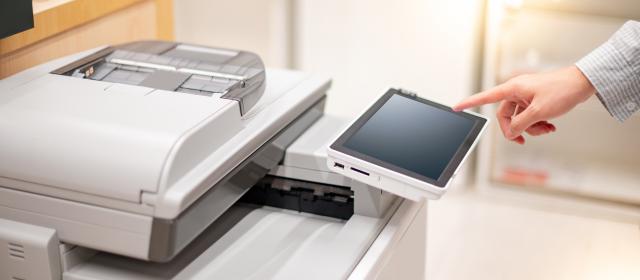
UniPrint and Xerox (formerly known as Comdoc) have introduced an automated supplies process to make managing your devices easier. When a networked Xerox Multi-Function Device (MFD) or desktop printer reaches an estimated 30 days of remaining supplies, a replacement order will be automatically generated and shipped to the machine’s location. Shipping labels will include the building, room number and equipment ID.
When supplies arrive, please wait until the device prompts you to replace the item to ensure full use of the current cartridge. Xerox technicians will continue to handle replacement of drums, fusers and other components. As in the past, service and supply requests can be submitted via 1-800-321-4846, customer web portal, or uniservicecenter@osu.edu.
Important Reminders
- Device moved? Email uniservicecenter@osu.edu so supplies are sent to the correct location.
- Need extra toner? Call the 800 number on the device ID label for additional supplies.
- Staples: Not included in automatic shipments and need to be ordered as usual.
- Not networked? Only networked devices are eligible—contact your IT team to get connected.
If you have excess supplies, a Xerox technician can collect them—submit a service request to schedule pickup.
Get Help
Customer Service: 800-321-4846
Submit a service request online (select “Request service”)
For additional questions, contact Wes Bolyard or Bryan Shields.
Thank you for partnering with UniPrint and Xerox as we continue to simplify and improve printing services.